Text appointment reminders from Outlook and Office 365
Outlook and Office 365 are brilliant at reminding you about your day. Neither can send a text message to your clients about theirs. Remindlo reads your Outlook calendar and sends the SMS and email reminders for you, so fewer people forget and fewer slots go empty.
Outlook appointment 14:30
SMS reminder sent
Attendance with a text reminder
78.6%, against 67.8%
Pooled across eight randomised trials of healthcare appointments. Where our figures come from
What Outlook does, and what it leaves to you
Outlook already knows when every appointment is and who it is with. The gap is everything that has to reach the client.
Outlook on its own
Outlook + Remindlo
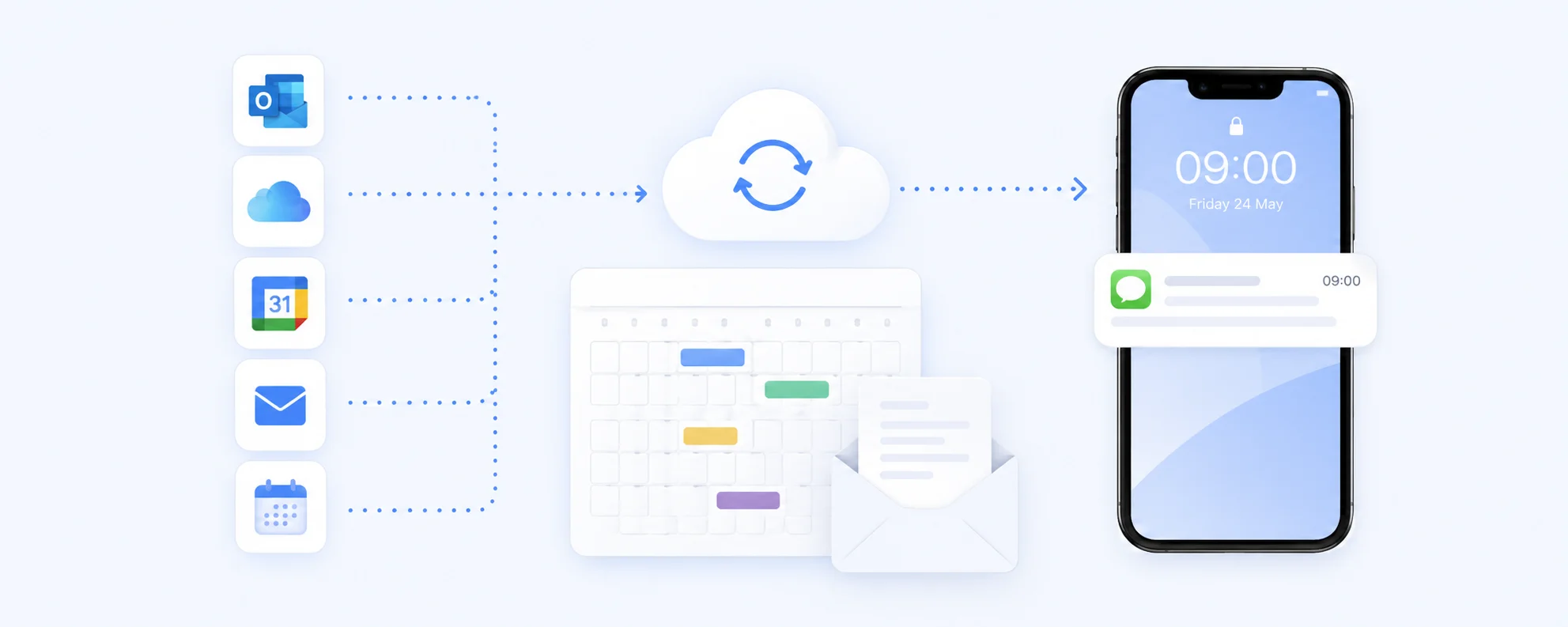
Fewer no-shows
A text lands where your client actually looks. Reminders reach them at the moment they decide whether to turn up, which is exactly when a forgotten slot turns into lost revenue.
Zero extra admin
You carry on booking in Outlook exactly as you do today. Remindlo picks the appointments up on its own. No double entry, no new system for your team to learn.
Slots you can resell
Send the first reminder a few days out and clients who cannot make it tell you early, while there is still time to fill the gap with someone on the waiting list.
How the Outlook integration works
Connect from the Remindlo dashboard, then test your first reminder.
Connect Microsoft Account
In Remindlo, open Integrations and choose Connect Microsoft Account. Sign in to the account that holds your appointments and accept the requested permissions.
Check the connected calendar
Check that the connection shows Connected. Remindlo reads your default Microsoft calendar in the background, whether you edit it on the web, Windows, Mac or mobile.
Keep phone numbers on the event
SMS needs a usable mobile number in the event description or title, and the location field is checked too. A guest email can create an email-only contact, but cannot receive an SMS. Check the name and number on a test contact.
Choose when reminders go out
Start a reminder campaign and enable Auto-enrol new contacts. Add a test event with your own number and check its scheduled message before using the setup for clients.
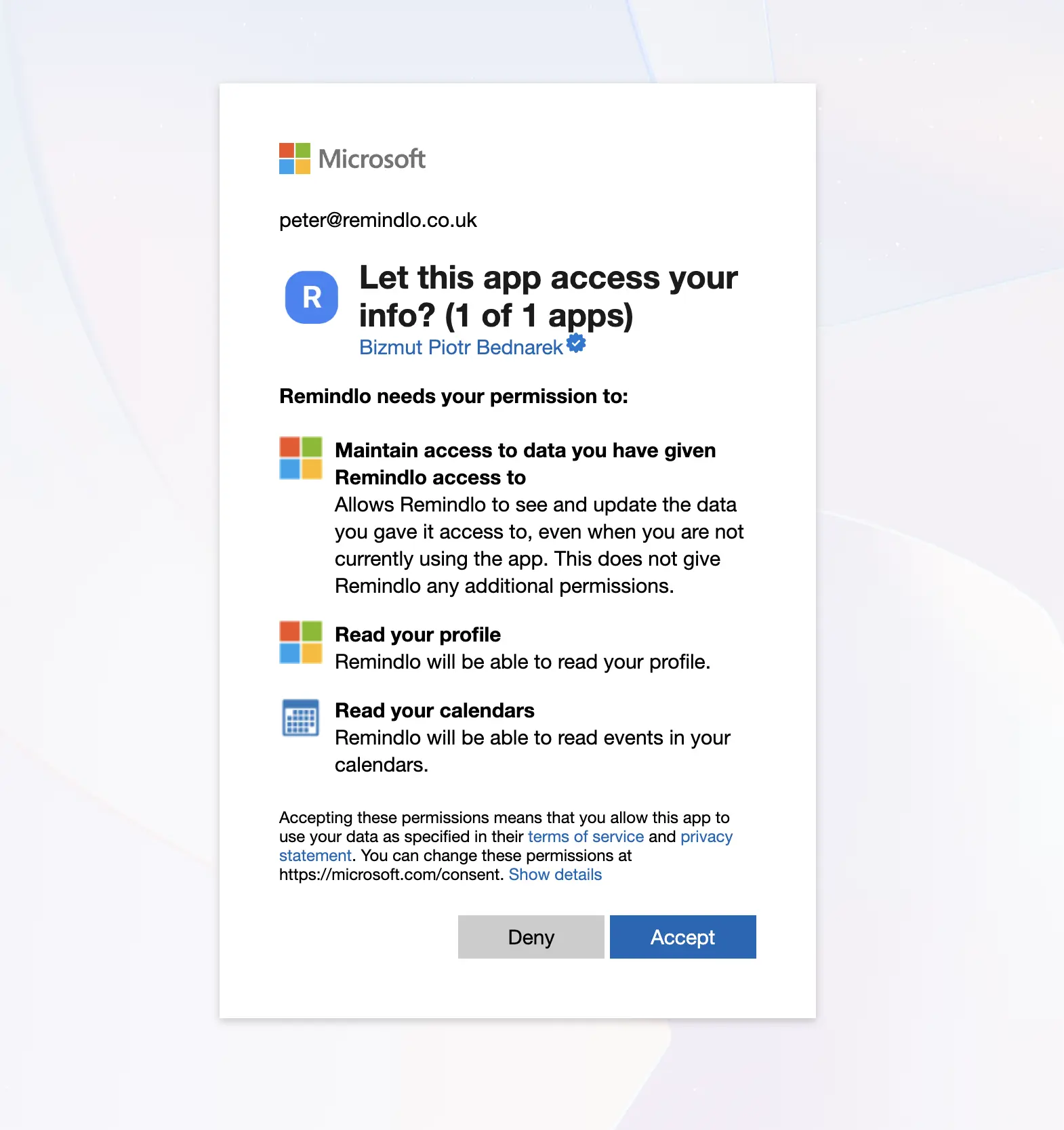
What you get once it is connected
On a locked-down Microsoft 365 tenant?
The direct Microsoft connection does not require calendar publishing. Your organisation may still require an administrator to approve app access. If Microsoft asks for approval, ask your IT team to review the permissions. ICS is an alternative when publishing is allowed; Zapier is useful for custom workflows and may also need approval.
The reminder your calendar cannot send
Appointment reminders protect next week's revenue. The bigger win is the appointment that was never booked: the boiler service due in twelve months, the MOT due next spring, the check-up six months out. That client is not in your calendar, so Outlook has nothing to remind anyone about. Remindlo keeps the service interval against each client and gets in touch before they drift to whoever advertises first.
Who this is for
Outlook is the calendar most professional services live in. If your week is a column of client appointments in Microsoft 365, this is built for you.
Want the technical detail first?
The full walkthrough covers direct Microsoft sign-in, the default calendar, phone numbers and campaign setup, plus ICS and Zapier alternatives.
Choose your Outlook connection
Direct Microsoft sync, the optional ICS feed and custom Zapier workflows, compared side by side.
Step-by-step setup
Connecting your Microsoft account and checking your first scheduled reminder.
On Apple instead? See the iCloud and Apple Calendar integration.
FAQ: Outlook + Remindlo
Common questions about SMS reminders for Outlook and Office 365.
Put your Outlook calendar to work
Connect it in minutes, send your first ten reminders free, and measure the no-show rate before and after.