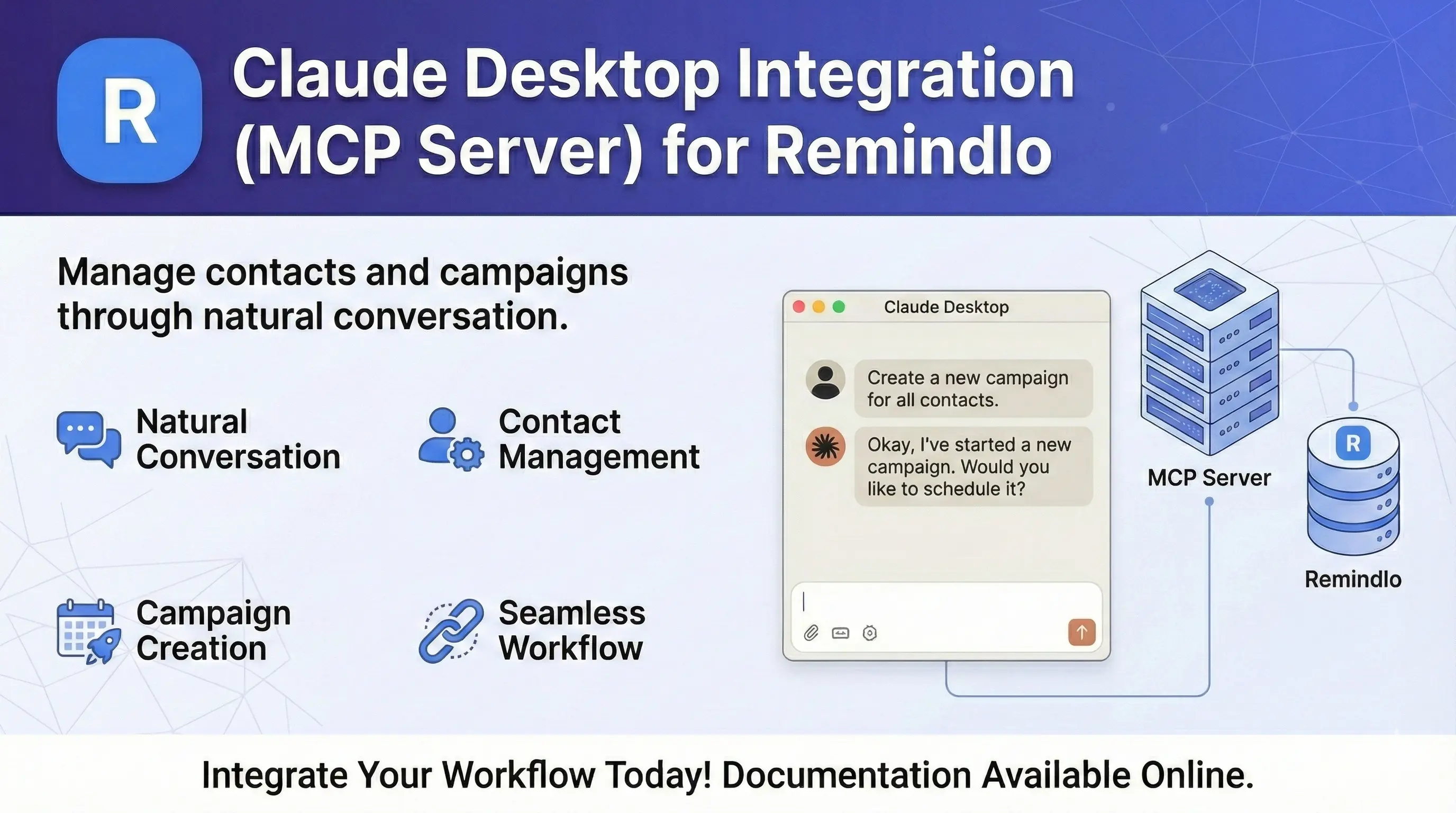
Connect Remindlo to Claude and ChatGPT (MCP Server)
Connect Claude, Claude Code or ChatGPT to Remindlo with one URL, then manage contacts, campaigns and SMS reminders by chat.
Contents
What is MCP?
The Model Context Protocol (MCP) is an open standard that lets AI assistants use external tools. The Remindlo MCP server gives Claude, Claude Code and ChatGPT access to your Remindlo contacts and campaigns, so you can manage reminders by chatting instead of clicking through the dashboard.
For example, you can say:
Add John Smith, phone +447912345678, to the Appointment Reminder campaign
and the assistant looks up the campaign, creates the contact and enrols them.
Ways to connect
Every assistant connects to the same server address, and you sign in with your Remindlo account. There is no API key to copy and no configuration file to edit, except for the last option in the table.
Where you use it | How to connect | What you enter |
|---|---|---|
Claude (web, desktop and mobile apps) | Remindlo in the Claude connector directory, or a custom connector | Nothing, or the server URL |
Claude Code | One terminal command | The server URL |
ChatGPT (web and desktop apps) | Remindlo in the ChatGPT plugin directory, or a custom plugin | Nothing, or the server URL |
Other MCP clients | The | A Remindlo API key |
The server URL is always:
https://mcp.remindlo.co.ukEach time you connect, Remindlo shows a consent screen naming the assistant that is asking. Click Allow and you are done.
Claude
Option A: from the connector directory
Click Connect.
Sign in to Remindlo if asked, then click Allow.
Option B: as a custom connector
Go to Claude Settings → Connectors and click Add custom connector.
Enter a name (for example Remindlo) and the server URL
https://mcp.remindlo.co.uk.Leave the detected settings as they are: Sign in now and Use Claude's published identity. You do not need an OAuth client ID or secret.
Click Add, then Connect, sign in to Remindlo and click Allow.
Connectors are shared across Claude on the web, the desktop app and the mobile apps, so you only connect once. In a chat, Claude asks for your approval before using a tool; you can change that per tool in the connector's settings.
Claude Code
Run this in your terminal:
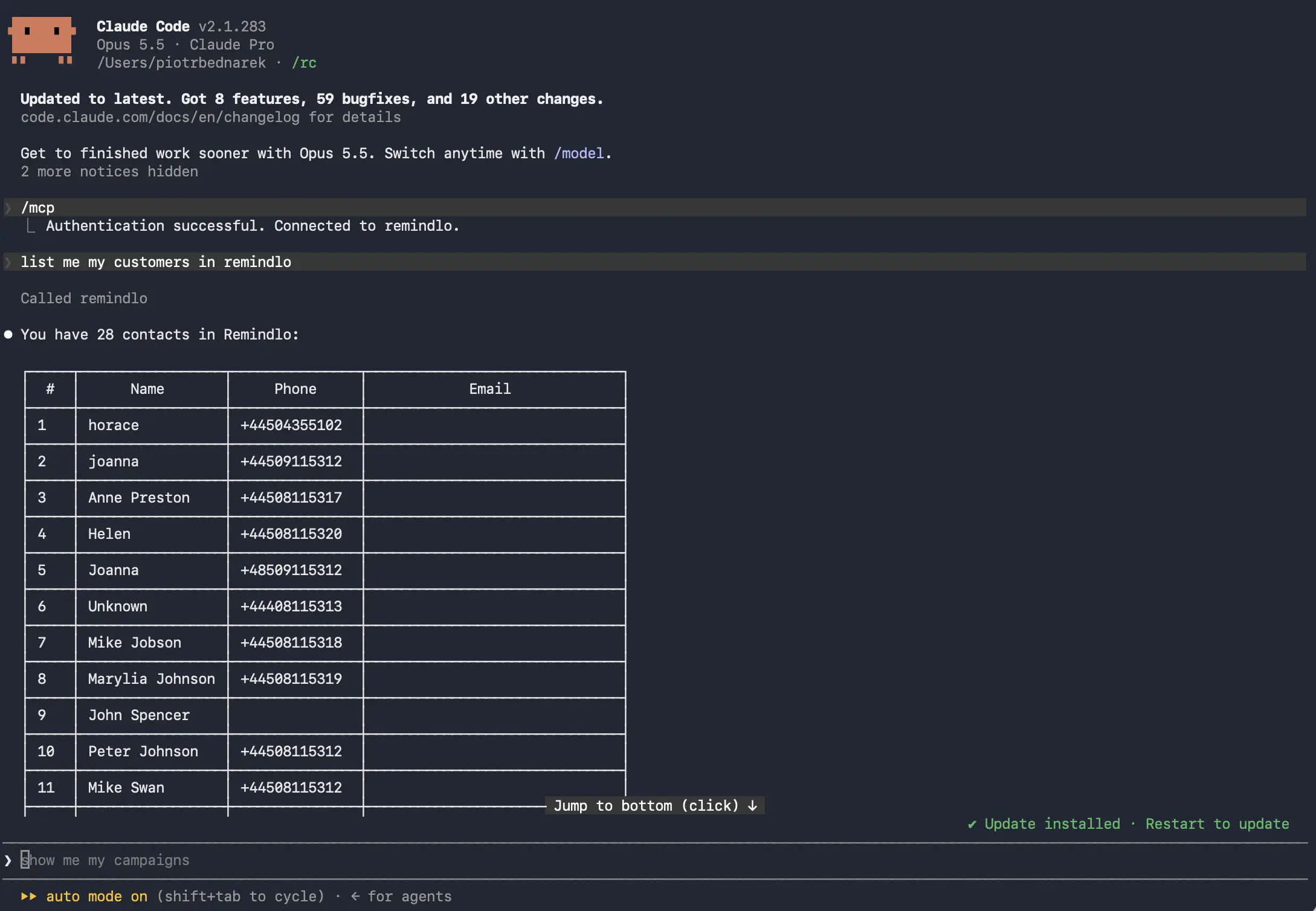
claude mcp add --transport http remindlo https://mcp.remindlo.co.ukThen start Claude Code, type /mcp, pick remindlo and choose Authenticate. Your browser opens the Remindlo consent screen. It tells you that access will be handed to an app on this computer, which is expected: Claude Code receives the sign-in on a local address. Click Allow, return to the terminal and ask, for example, list my customers in Remindlo.
ChatGPT
Option A: from the plugin directory
Click Install plugin.
Sign in to Remindlo if asked, then click Allow.
Option B: as a custom plugin
In ChatGPT, open Settings → Plugins and click New Plugin.
Enter a name (for example Remindlo) and, under Connection, the server URL
https://mcp.remindlo.co.uk.Leave Authentication set to OAuth. You do not need to open the advanced OAuth settings.
Tick I understand and want to continue and click Create.
Sign in to Remindlo if asked, then click Allow.
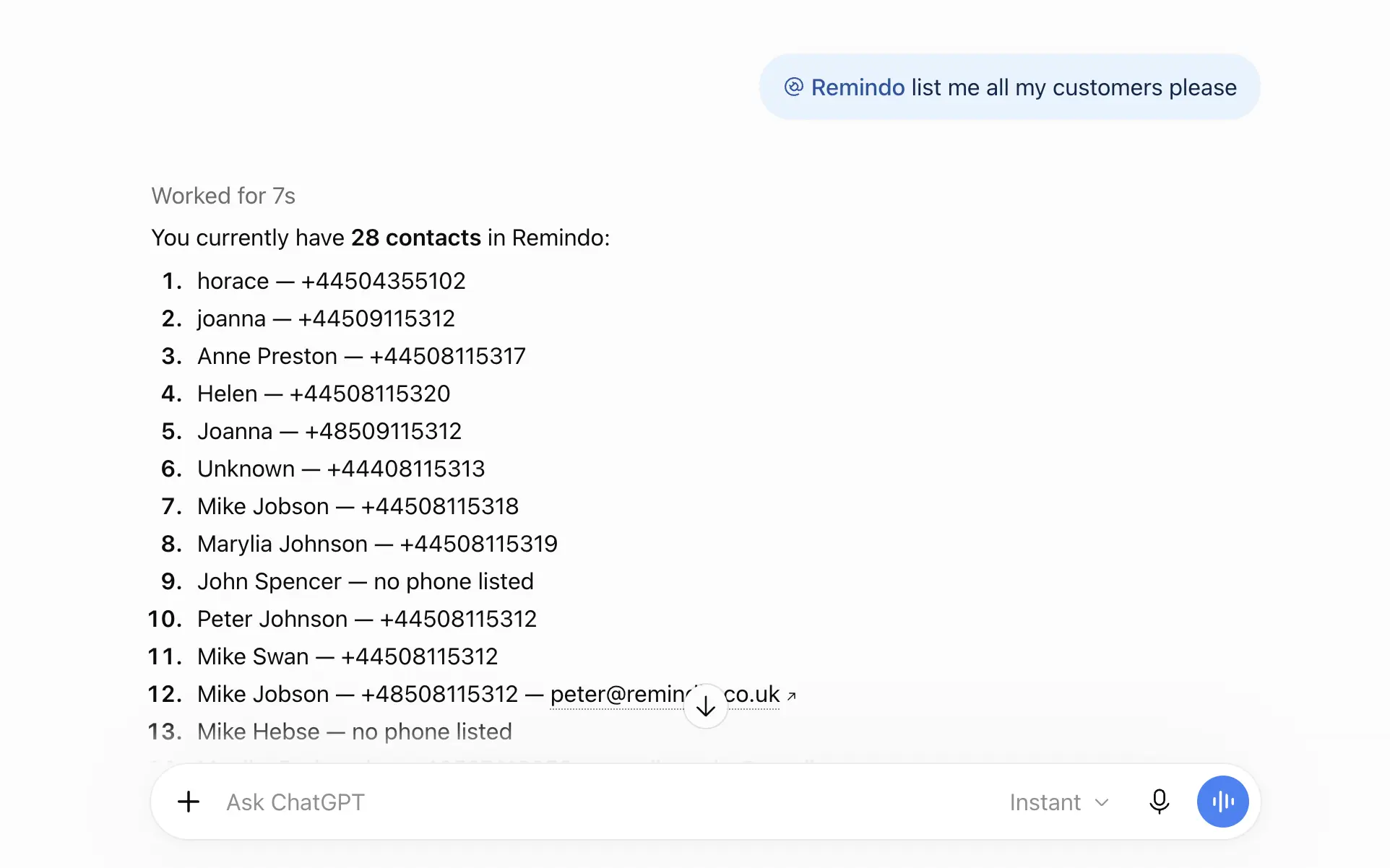
The plugin is then available in your ChatGPT chats. Ask, for example, show me my Remindlo campaigns.
ChatGPT desktop app: the app also has its own list of MCP servers (Plugins → MCPs). In September 2026, servers added there were only available in the app's Work tab, not in Chat. If you want Remindlo in ordinary chats, install it from the plugin directory or add it as a custom plugin as described above.
Other MCP clients (API key)
For assistants that run MCP servers locally and do not support signing in, use the open-source @remindlo/mcp-server package with an API key. It needs Node.js 22 or higher.
Create an API key in Dashboard → Integrations and copy it.
Add this to your client's MCP configuration, replacing the key:
{
  "mcpServers": {
    "remindlo": {
      "command": "npx",
      "args": [
        "@remindlo/mcp-server"
      ],
      "env": {
        "REMINDLO_API_KEY": "sk_live_your_key_here"
      }
    }
  }
}
Restart the client so it picks up the new server.
The package is open source under the MIT licence: source code on GitHub · @remindlo/mcp-server on npm.
What you can ask
Campaigns
Show me my Remindlo campaigns
Add or update contacts
Add Maria Garcia, phone +34612345678, email maria@example.com
Create a contact for John Smith with phone +447912345678 and enrol him in the Appointment Reminder campaign
Add Sarah Green, phone +447700900123, as a recurrent contact: MOT every 12 months, next due 2027-06-01
Find contacts
Look up the contact with phone +447912345678
Find all contacts due for appointments this week
Send an SMS
Text +447912345678 to confirm their appointment tomorrow at 2pm
Note: sending one-off SMS messages requires a paid plan. Every other tool works on every plan, including Free. See plans.
Available tools
Tool | What it does |
|---|---|
| Lists your SMS campaigns |
| Lists and searches contacts |
| Finds one contact by ID, phone or email |
| Adds a contact or updates an existing one, optionally enrolling it in campaigns |
| Sends a one-off SMS to a contact (paid plans) |
Phone number format
Use international format with the country code:
Country | Code | Example |
|---|---|---|
UK | +44 | +447912345678 |
Poland | +48 | +48607123456 |
USA | +1 | +12025551234 |
Spain | +34 | +34612345678 |
Germany | +49 | +491512345678 |
Troubleshooting
The consent screen says "Unknown client_id"
The assistant identified itself in a way Remindlo does not recognise yet. Remove the connector, add it again with the settings above, and if it still fails, email us the address of that page so we can add support.
Connected, but the assistant does not see the tools
Start a new chat after connecting. Tools are loaded when a conversation starts.
In the ChatGPT desktop app, check where you added Remindlo. Servers under Plugins → MCPs appear in the Work tab; install it from the plugin directory or add it as a custom plugin to use it in Chat.
In Claude, check that the Remindlo connector is enabled for that chat.
"Couldn't connect" or a sign-in error
Check that you can sign in at remindlo.co.uk with the same account.
Remove the connector and add it again.
Check that
mcp.remindlo.co.ukis reachable from your network.
npm package: "REMINDLO_API_KEY environment variable is required" or "Invalid API key"
The key is missing from the env section or has been deleted. Check the full key (it starts with sk_live_) against Dashboard → Integrations, and that node --version reports 22 or higher.
Revoking access
Each connection creates its own API key in Dashboard → Integrations, named after the assistant: Claude MCP, Claude Code or ChatGPT. Deleting that key cuts the assistant off immediately. You can also remove Remindlo on the assistant's side: in Claude under Settings → Connectors, in ChatGPT under Settings → Plugins, and in Claude Code with claude mcp remove remindlo.
See also
SMS Reminder API documentation for direct API integration
@remindlo/mcp-server on npm and its source code on GitHub, for clients that use an API key
Model Context Protocol specification
Need help?
Email support@remindlo.co.uk for integration support.